 Rayvid AI
AI video guide
Wan 2.5 vs 2.2: How to Choose the Right Model for Your Next Video on Rayvid
If you've been following AI video, you've probably seen a lot of talk about wan 2.5 vs 2.2. Both versions can generate cinematic short videos from text or images, but they feel very different once you start actually creating content.
On rayvid.app, you don't have to wrangle raw models or complex pipelines. Instead, you select WAN 2.5 (and other models) directly inside our AI Video Generator , describe your idea, and let the backend do the heavy lifting.
This post summarizes wan 2.5 vs 2.2 from a creator's point of view: output quality, sound, motion, and where each model shines when you're producing real videos for social, ads, or storytelling.
Quick Comparison: Wan 2.5 vs 2.2 for Video Generation
Here's a concise wan 2.5 vs 2.2 comparison focused on video, not just specs:
| Aspect | Wan 2.2 | Wan 2.5 (Preview) |
|---|---|---|
| Resolution & Length | Typically ~720p, ~5s clips; 1080p possible but often distorted or soft | Up to 1080p, clips up to ~10s in a single generation, more stable over time |
| Audio | Silent only - you must add music/VO in post | Native audio: dialogue, ambience, SFX and music generated along with video, with strong lip-sync and timing |
| Visual Style | Very strong cinematic aesthetics; sometimes even more pleasing or realistic than 2.5 on certain prompts | Similar "cinematic" language but with sharper details and cleaner HD output; not always a visual knockout upgrade vs 2.2 |
| Motion Behavior | Can exhibit exaggerated or overly energetic motion (e.g., wings flapping too hard) | Smoother, more controlled motion and better camera behavior for many prompts |
| Access Pattern | Open-source; good fit for DIY workflows and ComfyUI-style pipelines | Heavier, cloud-first model; best used via hosted platforms like Rayvid's generator |
In short, wan 2.5 vs 2.2 is not "bad vs good". Wan 2.5 is a bigger, audio-native upgrade, while Wan 2.2 is still a fantastic video engine with surprisingly competitive visuals.
Strengths and Weaknesses from a Creator's Perspective
Where Wan 2.2 Still Shines
From extensive A/B tests in the transcript, there are multiple scenes where Wan 2.2 looks just as good--or even slightly better--than 2.5 in terms of pure visuals: fantasy battles, cyberpunk robots, ink-in-water shots, and more.
From a video creator's point of view:
Strengths of Wan 2.2
- Excellent cinematic aesthetics: lighting, composition and mood respond well to detailed prompts.
- Often very natural motion in everyday scenes, especially when you don't push it too hard.
- Open and flexible, great for tinkerers building custom workflows.
Weaknesses of Wan 2.2
- No native audio - you must add music, VO and sound design in post.
- Sometimes too much motion, like over-aggressive camera or character movement, which can break realism.
- Lower default resolution; 1080p from Wan 2.5 usually feels cleaner.
For many projects, especially silent b-roll or stylized clips, Wan 2.2 is still a very strong choice in the wan 2.5 vs 2.2 question.
Why Wan 2.5 Feels Like a Different Category
The most important thing about wan 2.5 vs 2.2 is not just more pixels. The real shift is audio-visual fusion: the model generates picture and sound together, in sync.
From your perspective as a Rayvid user:
Strengths of Wan 2.5
- Native, synchronized audio: dialogue, ambience, and sound effects are timed to what you see (lip movements, footsteps, environmental sounds).
- Higher resolution and clip length (up to 1080p and ~10s), which makes it easier to drop clips directly into professional edits.
- Better frame-to-frame consistency, especially for longer shots and complex lighting.
Weaknesses of Wan 2.5
- Despite the hype, it's not a universal visual upgrade; Wan 2.2 can still look "better" on some prompts.
- Heavier and less DIY friendly; you'll typically access it via platforms like Rayvid instead of running it locally.
So in practical wan 2.5 vs 2.2 terms: pick Wan 2.5 when sound, HD, and "one-shot" results matter; use Wan 2.2 when you just care about strong visuals and already have your own post-production workflow.
How Rayvid Uses Wan 2.5 in the AI Video Generator
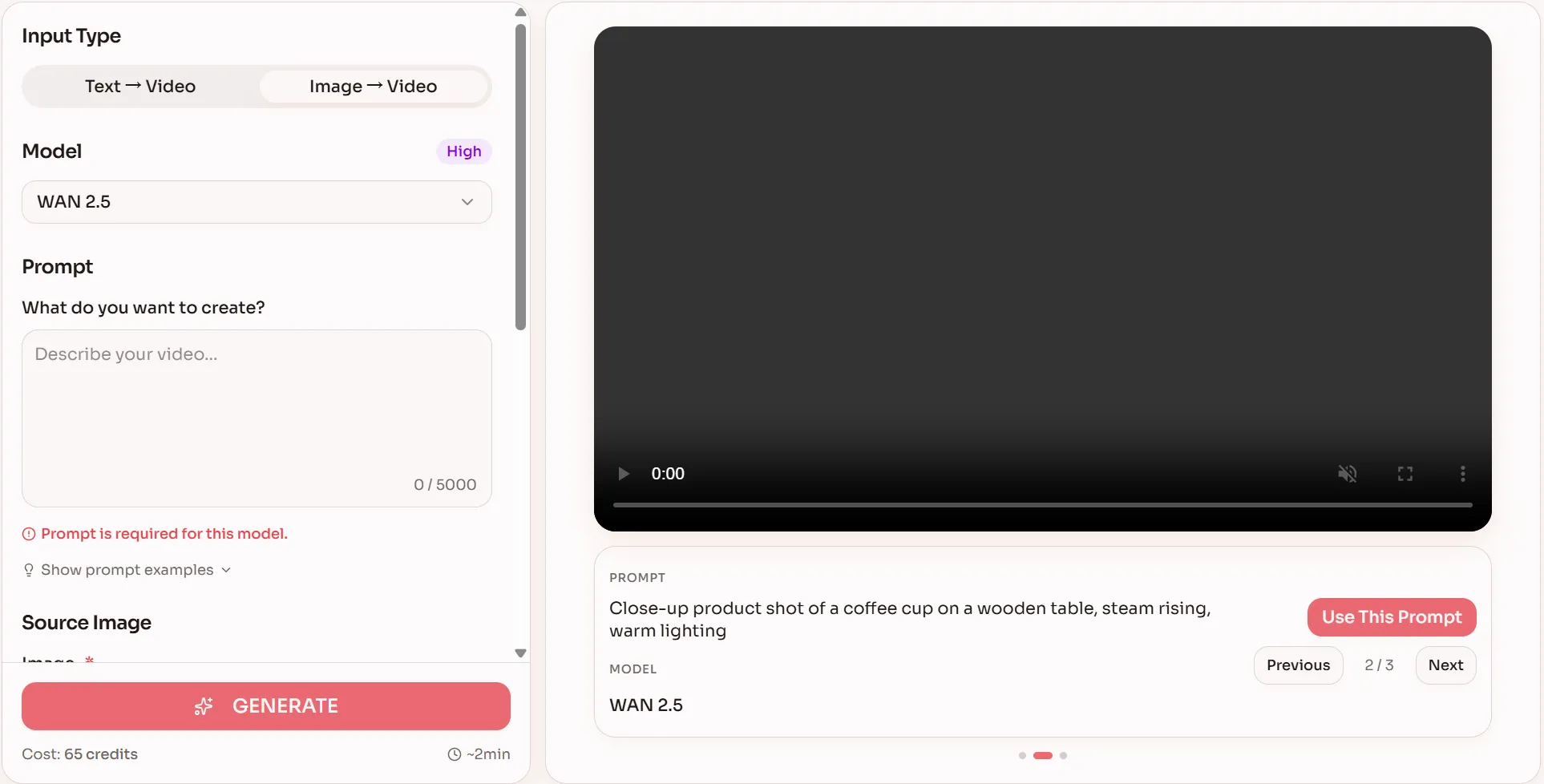
On rayvid.app, WAN 2.5 is available directly inside the AI Video Generator. You can start from Text -> Video or Image -> Video, pick WAN 2.5, describe your scene, and generate a cinematic short with audio in one go.
Rayvid helps you:
- Choose between WAN 2.5 and other models (like VEO, Kling, Seedance) using plain-English descriptions and "best for" tags.
- Configure duration, aspect ratio and resolution up to 1080p, with a live credit estimate before you hit Generate.
- Iterate quickly: generate shorter drafts to refine your wan 2.5 vs 2.2 prompts, then upgrade to longer, higher-quality clips.
Two WAN 2.5 Video Prompts You Can Try on Rayvid
To really feel how WAN 2.5 behaves in motion (and why many creators lean toward it in the wan 2.5 vs 2.2 conversation), it helps to test prompts that push composition, lighting, and camera work.
Here are two ready-to-use prompts tailored for WAN 2.5 inside the AI Video Generator. Both focus purely on visual storytelling--no audio needed.
Prompt 1 - Slow, Emotional Character Reveal
"8-second cinematic shot, a young woman in Hanfu walking slowly through a misty classical garden at sunrise, soft golden light streaming through trees, volumetric rays, shallow depth of field, gentle handheld camera following from behind, subtle floating dust particles in the air, she pauses and turns toward the camera, delicate fabric motion in her sleeves, 16:9, 1080p, filmic contrast."
Use this prompt with WAN 2.5 on Rayvid and place your rendered clip here:
This kind of slow, detailed movement makes it easy to compare frame stability, fabric motion, and lighting between models when you're deciding on wan 2.5 vs 2.2.
Prompt 2 - Fast, Dynamic Cyberpunk Action
"10-second cinematic AI video, a cyberpunk female rider speeding through a neon-lit street at night, rain streaking across the frame, glowing billboards reflected on wet asphalt, dynamic tracking shot alongside the motorcycle, camera briefly swings around to a frontal close-up as water droplets hit the visor, then drifts into a wide overhead shot revealing dense futuristic skyscrapers and light trails, 21:9 ultra-wide, 1080p, high shutter speed with crisp motion."
Generate this with WAN 2.5 in the AI Video Generator and embed it here:
This scenario lets you judge motion control, detail in complex environments, and overall cinematic feel, making the difference between wan 2.5 vs 2.2 clear when you compare results side by side.
When Should You Use Each Model on Rayvid?
Bringing everything together, here's a practical wan 2.5 vs 2.2 guideline for Rayvid users:
Use Wan 2.2 if you:
- Need silent cinematic clips to drop into a larger edit.
- Prefer to do your own audio and motion control in post.
- Are comfortable iterating visually and don't need HD+sound in one pass.
Use Wan 2.5 if you:
- Want one-shot, ready-to-share videos with voice, ambience and music baked in.
- Care about 1080p resolution, longer clips and smoother motion for hero shots.
- Need tight audio sync for talking characters, dynamic sound design, or immersive atmospheres.
On rayvid.app, you don't have to pick a side forever in the wan 2.5 vs 2.2 debate. You can start small, test WAN 2.5 against other models using the same prompt, compare results, and then scale up once you're happy.
Head over to the AI Video Generator, select WAN 2.5, paste one of the prompts above, and see how far a single prompt can take your next video.